Scheduled Delivery & Subscription Setup
The Kyubit Subscription Service is a dedicated Windows service designed for automated report delivery. It handles the distribution of OLAP reports and business dashboards via email, ensuring stakeholders receive timely data insights.
While the service is installed automatically alongside the
Kyubit BI platform, it requires specific environment configuration to communicate with your
SSAS reporting tools and SMTP infrastructure. This ensures that every scheduled email reflects the most current data from your
OLAP data sources.
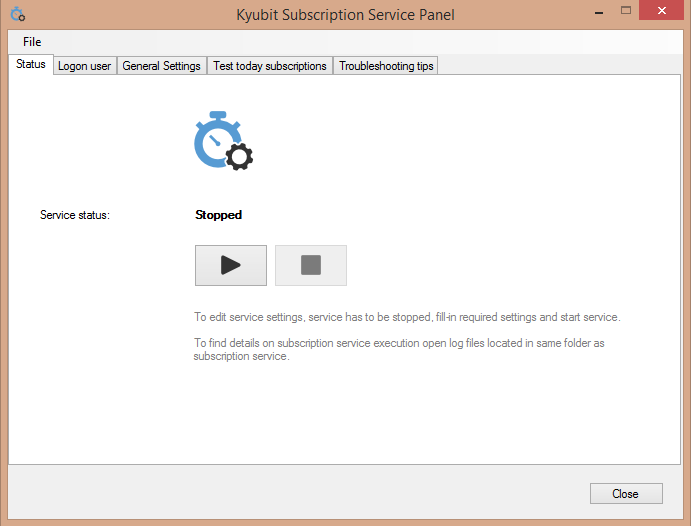
To begin, launch the **'Kyubit Subscription Panel'** on your server to define the following parameters:
- Logon User: Specify a real Windows/Active Directory account (see Application User requirements). This account is used to fetch fresh data from your SSAS analysis solution during the subscription run.
- Kyubit Site URL: The internal address the service uses to render reports and dashboard visualizations for export.
- Public URL: The link provided within the email body for users to click and access the live self-service analytics portal.
- SMTP Configuration: Set your mail server details, including port and authentication, to enable successful email transmission.
Subscription Features
Once configured, users can leverage subscription tutorials to create complex delivery schedules. The service supports various formats, including PDF and Excel, making it a cornerstone of a robust Power BI alternative for on-premise environments.